
The availability of downloadable automated trading tools such as AI Gold Scalp Pro MT5 EA has drawn attention within the retail forex and commodities trading segment, particularly among MetaTrader 5 users focusing on gold (XAUUSD) strategies. The growing interest reflects broader adoption of algorithmic trading software, where Expert Advisors are distributed through online platforms and third-party marketplaces, raising questions around functionality, compatibility, and regulatory context.
Overview of AI Gold Scalp Pro MT5 EA
AI Gold Scalp Pro MT5 EA is presented as an automated trading algorithm designed for the MetaTrader 5 platform, commonly used in forex and CFD markets. The software is categorized as an Expert Advisor (EA), which operates based on predefined logic to execute trades without manual intervention.
Such tools typically focus on short-term price movements in gold markets, utilizing technical indicators, scalping logic, and risk parameters configured within the MT5 environment.
Key Functional Characteristics
| Feature Category | Description |
|---|---|
| Platform Support | MetaTrader 5 (MT5) |
| Trading Focus | Gold (XAUUSD) and related instruments |
| Strategy Type | Scalping-based automated execution |
| Execution Mode | Algorithmic trading via EA |
| Installation Format | .ex5 or .mq5 files for MT5 |
Distribution Channels and Download Availability
AI Gold Scalp Pro MT5 EA downloads are generally circulated through independent trading websites, digital marketplaces, and community forums. Unlike official platform-native tools available in the MetaTrader Market, third-party EAs are often shared via direct file downloads.




Common Download Formats
- Compiled EA file (.ex5)
- Source file (.mq5)
- Configuration presets (.set files)
- PDF user documentation in some distributions
The download process typically involves importing the EA file into the MetaTrader 5 Experts folder and activating algorithmic trading within the terminal settings.
Compatibility and Technical Integration with MT5
Integration with MetaTrader 5 requires adherence to the platform’s algorithmic trading framework. EAs operate through the MQL5 scripting language and rely on market data feeds, broker execution conditions, and terminal permissions.
System Requirements
| Requirement | Specification |
|---|---|
| Trading Terminal | MetaTrader 5 |
| Operating System | Windows-based systems primarily |
| Broker Support | MT5-compatible brokers |
| VPS Usage | Often used for continuous execution |
| Internet Connection | Stable, low-latency connection recommended |
Market Context: Rise of Gold-Focused Algorithmic EAs
Gold trading remains one of the most actively automated segments in retail trading due to its volatility and liquidity. Expert Advisors targeting gold scalping strategies have seen increased circulation alongside the expansion of retail algorithmic trading tools.
Industry data indicates a steady increase in the number of retail traders using automated systems on MT5, especially for high-frequency and short-duration trade setups. This trend has contributed to the proliferation of downloadable EAs marketed specifically for gold price movements.
Regulatory and Transparency Considerations
Automated trading software distributed via external download links operates outside formal regulatory approval in most jurisdictions. Unlike broker-provided tools or marketplace-verified EAs, third-party downloads may not undergo standardized verification processes.
Key considerations within the regulatory framework include:
- Lack of centralized certification for EA performance claims
- Variability in backtesting transparency
- Broker execution differences impacting real-time performance
- Data security concerns associated with external file sources
Role of Preset Configuration Files
Many AI Gold Scalp Pro MT5 EA packages include preset configuration files designed to adjust trading parameters such as lot size, stop loss, take profit, and risk management settings.
These preset files allow standardized strategy deployment across different trading environments but remain dependent on broker spreads, leverage conditions, and account types.
FAQ
What is AI Gold Scalp Pro MT5 EA used for?
It is an automated trading program designed to execute gold-focused scalping strategies on the MetaTrader 5 platform using algorithmic logic.
Is AI Gold Scalp Pro compatible with MetaTrader 4?
No. The MT5 EA format is specifically built for MetaTrader 5 and is not directly compatible with MetaTrader 4 without code modification.
What file type is required for installation?
The primary installation file is typically in .ex5 format, placed inside the Experts directory of the MT5 terminal.
Does the EA require manual trading input?
Expert Advisors operate automatically once activated, though initial setup and parameter configuration are required within the MT5 platform.
Final Verdict
AI Gold Scalp Pro MT5 EA downloads reflect the broader expansion of automated trading tools within the MetaTrader 5 ecosystem, particularly in gold-focused strategies. Its distribution through third-party channels, platform-specific integration, and reliance on algorithmic execution align with prevailing trends in retail algorithmic trading software, while also highlighting ongoing considerations related to verification, compatibility, and operational transparency.
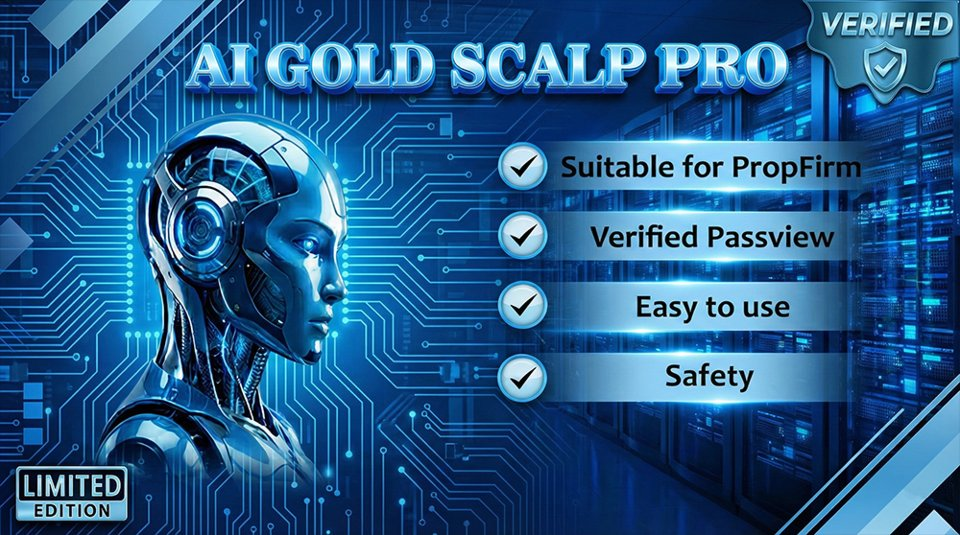
Vendor website: View here
Vortex Gold MT4 Download link inside
⬇️⬇️⬇️⬇️⬇️

















TOP 28
FOREX BROKERS
Choose your broker, sign up through an eligible cashback link, trade as usual, and receive rebates according to the offer terms.
80%
Choose from these 28 brokers
 XM
 Elev8
 Exness
 JustMarkets
 HFM
 TMGM
 Valetax
 Headway
 Markets4you
 RoboForex
 Vantage Markets
 IC (IC Markets)
 FxPro
 Tickmill
 FP Markets
 Weltrade
 Axi
 Ultima Markets
 TitanFX
 Harmovest Capital
 FP Trading
 VT Markets
 MTrading
 FXTM
 FIBO Group
 Windsor Brokers
 GO Markets
 FXPrimus
How to get cashback
Select one of the brokers above and check its available cashback offer.
Open an account using the eligible cashback or partner link.
Trade in an eligible account and follow the offer's rules.
Get eligible rebates based on the program's payout method and schedule.
*“Up to 80%” is a maximum promotional claim, not a guaranteed cashback rate. Actual rebates, supported countries, account types, trade eligibility and payout terms vary. Broker cards use the ForexInWorld cashback link; check the offer terms and account eligibility before signing up. Forex/CFD trading involves substantial risk.